也就是說不用密碼,或是打開 .bat 就知道密碼了
唯一好處就是勾選顯示解隱檔也看不到
所以我就乾脆改成不用密碼的,反正也沒人知道要點哪個才會出現隱藏資料夾OuO

<<注意>>
看到有先評論說不穩定還是啥的,不建議使用在無備份的重要資料上
還有,有密碼也不保證安全
sudo touch /usr/share/X11/xorg.conf.d/20-intel.conf
sudo gedit /usr/share/X11/xorg.conf.d/20-intel.conf
Section "Device"
        Identifier  "card0"
        Driver      "intel"
        Option      "Backlight"  "intel_backlight"
        BusID       "PCI:0:2:0"
EndSection

fatal: Unable to create '/home/user/pro/selfpro/learn_rust/.git/index.lock': File exists.

Another git process seems to be running in this repository, e.g.
an editor opened by 'git commit'. Please make sure all processes
are terminated then try again. If it still fails, a git process
may have crashed in this repository earlier:
remove the file manually to continue.


nnoremap <silent> <Plug>SurroundNadd :<C-u>execute 'call '
    \v:count? '<SID>surroundNadd(v:count)' : '<SID>surroundNadd(1)'<CR>
nmap <M-s> <Plug>SurroundNadd
Windows Registry Editor Version 5.00

[HKEY_LOCAL_MACHINE\SYSTEM\CurrentControlSet\Control\Keyboard Layout]
"Scancode Map"=hex:00,00,00,00,00,00,00,00,02,00,00,00,01,00,3a,00,00,00,00,00


error: linking with `link.exe` failed: exit code: 1
  |
  = note: "link.exe" "/NOLOGO" "/NXCOMPAT" "/LIBPATH:C:\\Users\\user\\.rustup\\toolchains\\stable-x86_64-pc-windows-msvc\\lib\\rustlib\\x86_64-pc-windows-msvc\\lib" "hello.0.o" "/OUT:hello.exe" "/OPT:REF,NOICF" "/DEBUG" "/LIBPATH:C:\\Users\\user\\.rustup\\toolchains\\stable-x86_64-pc-windows-msvc\\lib\\rustlib\\x86_64-pc-windows-msvc\\lib" "C:\\Users\\user\\.rustup\\toolchains\\stable-x86_64-pc-windows-msvc\\lib\\rustlib\\x86_64-pc-windows-msvc\\lib\\libstd-0a78323911070f99.rlib" "C:\\Users\\user\\.rustup\\toolchains\\stable-x86_64-pc-windows-msvc\\lib\\rustlib\\x86_64-pc-windows-msvc\\lib\\librand-c279a51d66700350.rlib" "C:\\Users\\user\\.rustup\\toolchains\\stable-x86_64-pc-windows-msvc\\lib\\rustlib\\x86_64-pc-windows-msvc\\lib\\libcollections-d7bf31a4ca1ea637.rlib" "C:\\Users\\user\\.rustup\\toolchains\\stable-x86_64-pc-windows-msvc\\lib\\rustlib\\x86_64-pc-windows-msvc\\lib\\libstd_unicode-d367c3ba0db49600.rlib" "C:\\Users\\user\\.rustup\\toolchains\\stable-x86_64-pc-windows-msvc\\lib\\rustlib\\x86_64-pc-windows-msvc\\lib\\libpanic_unwind-2d4bf02140c11dcb.rlib" "C:\\Users\\user\\.rustup\\toolchains\\stable-x86_64-pc-windows-msvc\\lib\\rustlib\\x86_64-pc-windows-msvc\\lib\\libunwind-add7a84d7e82d084.rlib" "C:\\Users\\user\\.rustup\\toolchains\\stable-x86_64-pc-windows-msvc\\lib\\rustlib\\x86_64-pc-windows-msvc\\lib\\liblibc-84688accbc86d6b7.rlib" "C:\\Users\\user\\.rustup\\toolchains\\stable-x86_64-pc-windows-msvc\\lib\\rustlib\\x86_64-pc-windows-msvc\\lib\\liballoc-fe2e68b21f0bdd7a.rlib" "C:\\Users\\user\\.rustup\\toolchains\\stable-x86_64-pc-windows-msvc\\lib\\rustlib\\x86_64-pc-windows-msvc\\lib\\liballoc_system-7fc0381594c93f56.rlib" "C:\\Users\\user\\.rustup\\toolchains\\stable-x86_64-pc-windows-msvc\\lib\\rustlib\\x86_64-pc-windows-msvc\\lib\\libcore-ea9d77e7c23fe65c.rlib" "C:\\Users\\user\\.rustup\\toolchains\\stable-x86_64-pc-windows-msvc\\lib\\rustlib\\x86_64-pc-windows-msvc\\lib\\libcompiler_builtins-91b619d34dd1f5aa.rlib" "advapi32.lib" "ws2_32.lib" "userenv.lib" "shell32.lib" "msvcrt.lib"
  = note: /usr/bin/link: 出現多餘的參數 ‘/LIBPATH:C:\\Users\\user\\.rustup\\toolchains\\stable-x86_64-pc-windows-msvc\\lib\\rustlib\\x86_64-pc-windows-msvc\\lib’
          Try '/usr/bin/link --help' for more information.


error: aborting due to previous error


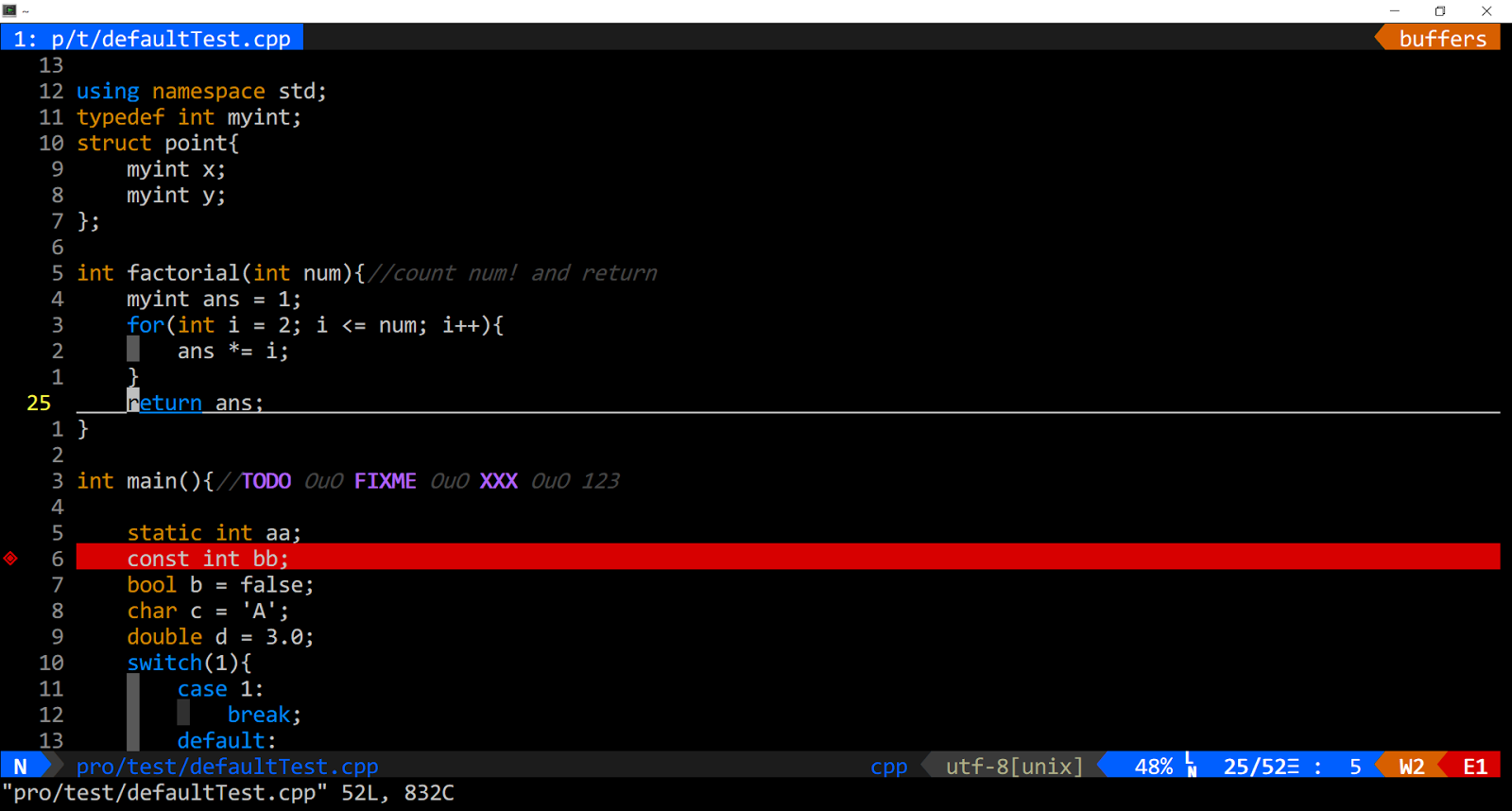
autocmd VimEnter * :exec "normal! \zz"


